In the warehouse, the goods issue process ensures that ordered items are delivered to customers accurately and on time. As these steps represent the final link in the production process, it is essential to identify and correct any potential errors early on. Consequently, warehouse staff play a fundamental role as the final point of inspection. In this article, you will learn how goods issue processes work in practice and how they can be optimized.
Table of Contents
- What is goods issue? Definition
- What are the tasks of the goods issue department?
- Work steps and process flow in goods issue
- Optimizing goods receipt and goods issue with software
What is goods issue? Definition
Goods issue is a key process in logistics. Following the marketing and production stages, it sits at the end of the supply chain, as this is where the company ships manufactured products or stored goods to its customers. If customers collect the goods themselves, the company prepares the relevant products for pickup in the goods issue area. If the products are being shipped, the goods issue department manages the shipping process and records relevant information on documents such as delivery notes and invoices.
In addition, the goods issue department is responsible for instructions regarding the loading and packaging of products once they leave production. This makes the warehouse staff the final point of control: they must not only create the necessary shipping documents but also ensure that the goods are correct and free from defects or damage.
Only when goods issue staff carefully check orders and requests before dispatch can the company guarantee accurate, complete, and timely delivery without delays.
What are the tasks of the goods issue department?
A fundamental task within the goods issue process is checking the goods to be shipped for quality, identity, and potential defects. If incorrect or damaged goods are found in the goods issue area, they must not be delivered to the customer. Instead, the warehouse staff are responsible for reporting shortages or faulty stock to the accounting department so that a reordering process can be initiated.
Due to the inspections performed there, the goods issue department plays a vital role in logistics regarding customer satisfaction. Beyond this, it is also responsible for other tasks, such as:
- Order picking and processing
- Packaging the shipment
- Generating shipping documents
- Loading transport vehicles
- Load securing
All outbound logistics processes aim to keep the lead time within the warehouse—from processing and loading the goods to the departure of the transport vehicle—as short as possible. The efficiency of these processes is reflected in logistics KPIs such as capacity utilization, the use of available storage space, the number of orders, and the volume of corrected invoices.
Work steps and process flow in outbound logistics
To ensure fast and secure shipping to customers, the work steps and processes within outbound logistics must function optimally and integrate seamlessly. Here is how the individual steps work.
Outbound logistics process: 6 key steps
The core of outbound logistics is the final inspection: staff must ensure that the outgoing goods match the order and that the items are free of damage or defects. Each ordered item typically goes through the following steps in the outbound area:
- Consolidation: In its consolidation function, the outbound area handles the efficient grouping of all individual parts of a shipment. To ensure consolidation runs smoothly, the various packages are collected in staging areas within the outbound department.
- Goods inspection: As a final check, outbound staff verify that the correct items and quantities have been picked. Any discrepancies must be corrected immediately.
- Creating packages: Depending on the quantity and number of items, the employee then creates one or more packages. Reporting the change in inventory triggers a request for the purchasing department to reorder the affected item.
- Preparing shipping documents: Once all items are packed, staff generate the necessary shipping documents, such as delivery notes and invoices. To keep workflows efficient, these documents should be stored directly in the warehouse management system (WMS).
- Shipping preparation: Next, the shipment is prepared and the packages are registered in the shipping system. To secure and simplify processes, required data should be automatically transferred from the WMS to the shipping system and processed using barcodes and scanners.
- Handover to shipping service provider: In the final step of the outbound process, the finished packages are handed over to the shipping service provider (courier, express, parcel service, or freight forwarder), who then handles final delivery to the company's customers.
.jpeg)
Optimizing inbound and outbound logistics with software
Outbound workflows are often labor-intensive and therefore costly. To optimize processes and reduce expenses, these operations should be reviewed regularly and updated as needed. Insights into warehouse efficiency and profitability can be gained through warehouse KPIs. Capacity utilization, lead time, and space utilization are just a few metrics used to track whether outbound goals are being met.
However, a decisive factor for the efficiency of outbound logistics is the staff: only when they know exactly where stored goods are located at all times and can access the data and information required for shipping and delivery in real time can errors and delays be avoided in the final stages of the process.
Handwritten notes, Excel spreadsheets, and emails cannot guarantee such real-time data access. Nevertheless, they remain the standard in many logistics companies. Paper-based processes not only increase the risk of errors but also consume an immense amount of time—for example, when employees have to gather and digitize required data before it can be assigned to the corresponding suppliers.
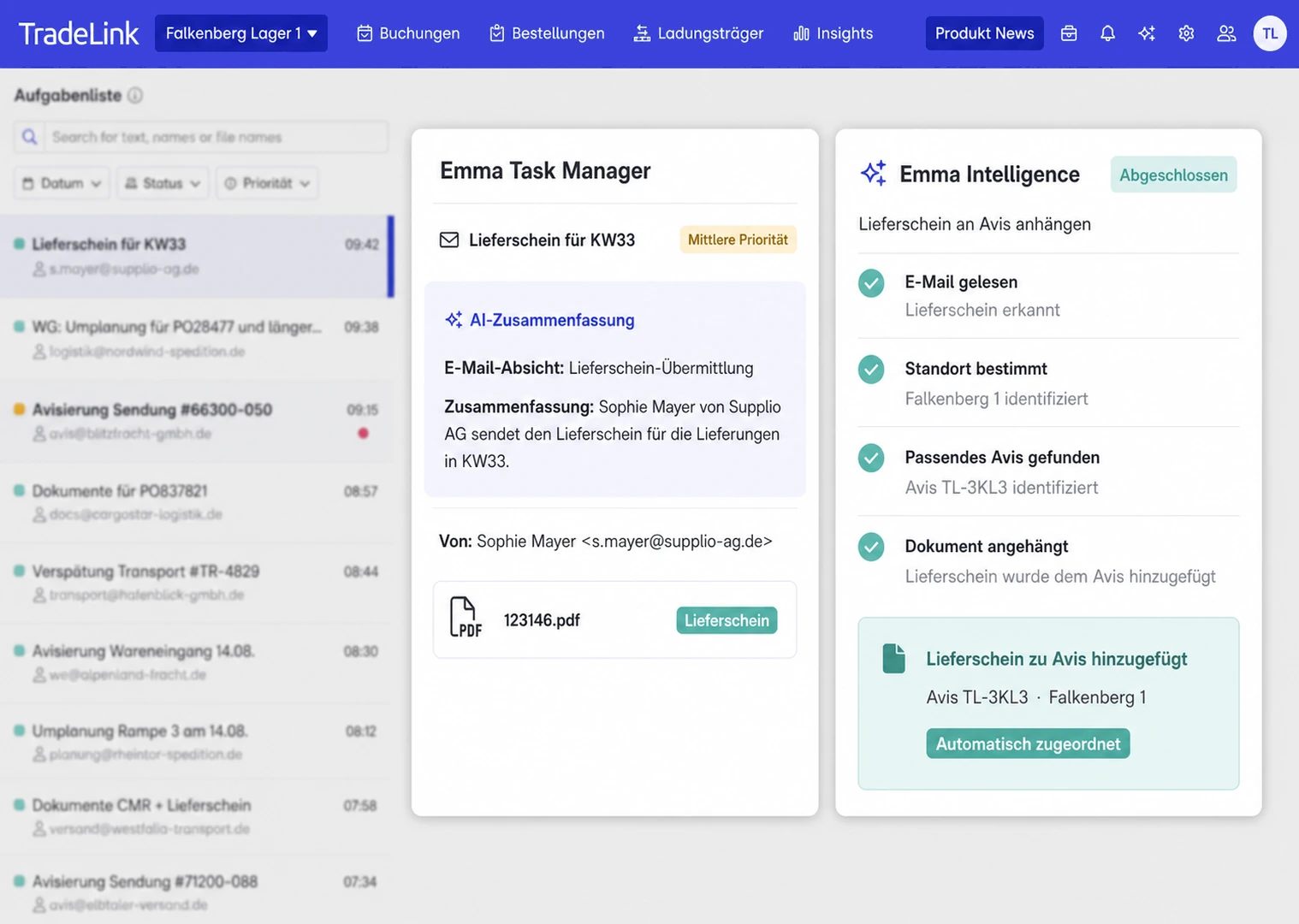
Anyone looking to optimize their warehouse and outbound logistics processes for the long term should finally move away from paper-based workflows. The solution is smart collaboration tools like TradeLink: acting as a central control and coordination hub, the software bundles all shipments, information, and data points into one clear, intuitive tool. All data is available in real time at any moment. External suppliers also receive secure access to the data via their own personal login—fully GDPR-compliant and without any complex IT implementation.